

Exercise Ball in the Office: Trick or Treat?
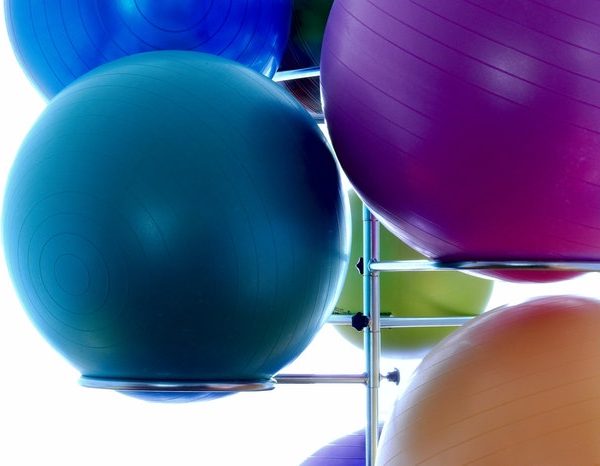
Exercise balls (stability balls) have made their way from the gym to the office. You may have seen coworkers sitting on them or maybe the thought of trying one has crossed your mind. Maintaining balance when sitting and working on an exercise ball requires the user to engage his or her core, so it sounds like a no-brainer decision to use them. But, does the research back up the positive claims encouraging the use of exercise balls in the office?
Why Neil?
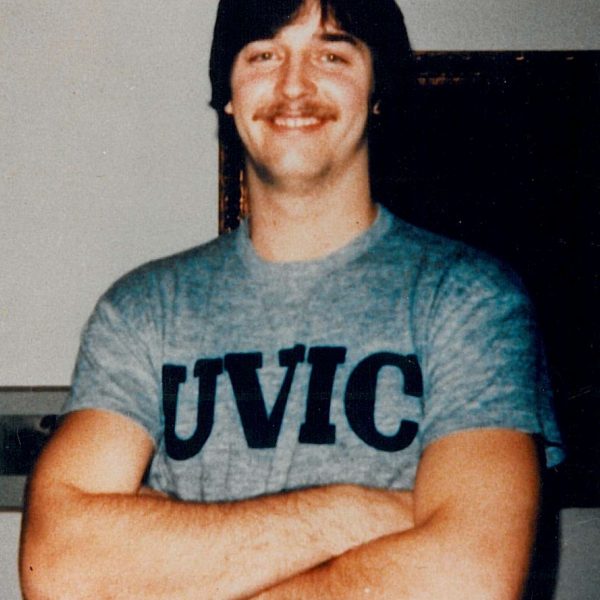
This post is part of the Neil Squire Society’s Powered to Enable campaign. Join us in October as we share the story of Neil Squire and the early days of the Neil Squire Society.
Neil and His Accident
On January 26th, 1981, Neil Squire, an accounting student and basketball star at the University of Victoria, was driving on an icy road in Nanaimo, BC. Only a short distance from his home, his car hit a patch of black ice and skidded into a tree.
Powered to Enable Campaign Launch
Powered symbolizes the barrier-breaking technology and knowledge we provide to people with disabilities in order to Enable them to lead more independent lives. With your support, we are Powered to Enable.
Technology@Work on AMI This Week

Grant Hardy from Accessible Media Inc. checks out our Technology@Work program and meets two recipients whose lives have been changed for the better by. Watch the video here:
Wellness Tips for Employers
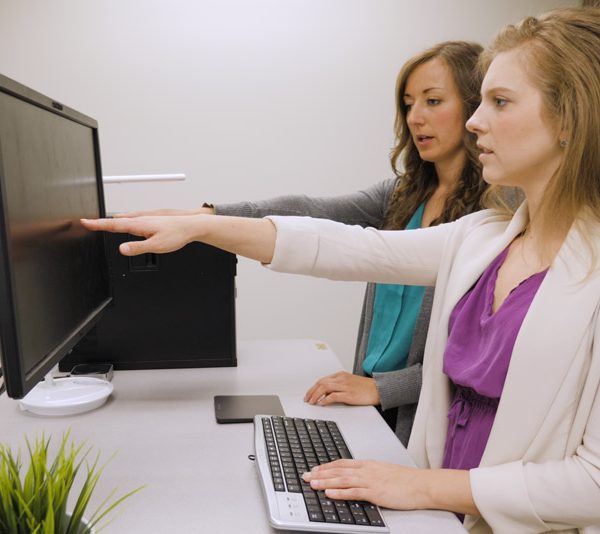
Encourage Employees to Move and Take Breaks
- The 20-20-20 Rule helps reduce eye strain: Look 20 feet away from the computer for 20 seconds every 20 minutes.
- Alternating between sitting and standing or incorporating stretch breaks helps employees be healthy at work.
- Changing positions doesn’t take away from valuable working time, but rather can make for a more healthy and efficient employee.
CAOT Conference Workshop

The Canadian Association of Occupational Therapists (CAOT) is hosting its annual conference in Vancouver this year, from June 20th to 23rd. Makers Making Change‘s Zee Kesler will be hosting a pre-conference workshop introducing maker skills to occupational therapists.
Wellness Tips for Employees

Move and Take Breaks
- Alternate between sitting and standing or incorporate stretch breaks every half-hour/hour.
- Use the 20-20-20 Rule: Look 20 feet away from your computer for 20 seconds every 20 minutes.
CTV’s Your Morning Featuring the LipSync
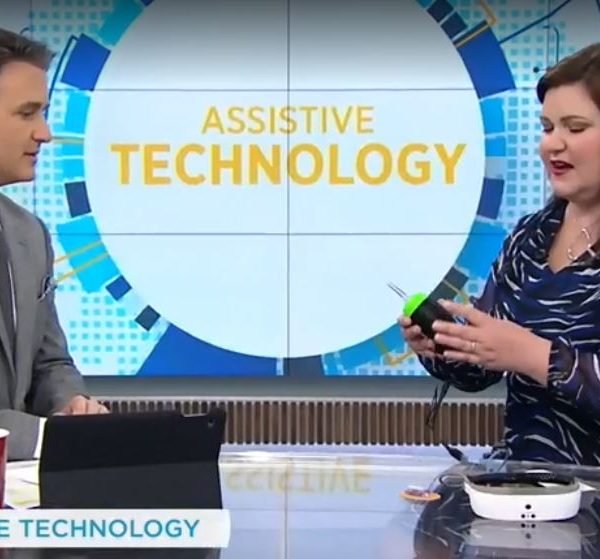
Tech expert Avery Swartz showed off the LipSync on CTV’s Your Morning today. Watch it here:
LipSync Buildathon
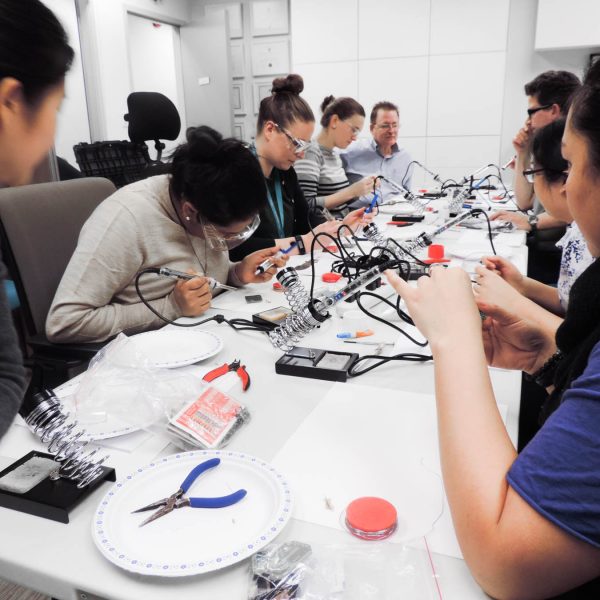
On January 24th, the Solutions team worked with the Neil Squire Society’s Makers Making Change team to build LipSyncs. A LipSync is a mouth-controlled device that helps people with limited use of their arms to operate a touchscreen device.
The team was given an introduction to soldering, after which they began building the devices. More details about the LipSync and its open-source project files are available here.
LipSync Update Part 3
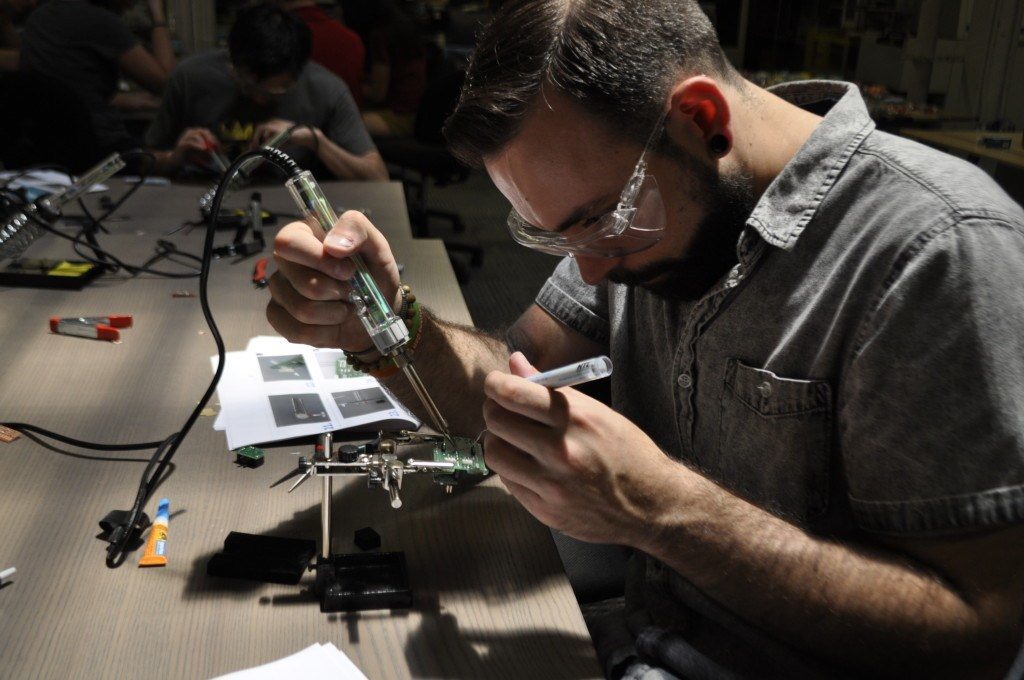
This is part 3 of 3 of our LipSync Update series. In this last update, we conclude our interview with Neil Squire Society’s Director of Innovation, Chad Leaman. To read part 1, click here. To read part 2, click here.