Proloquo2Go
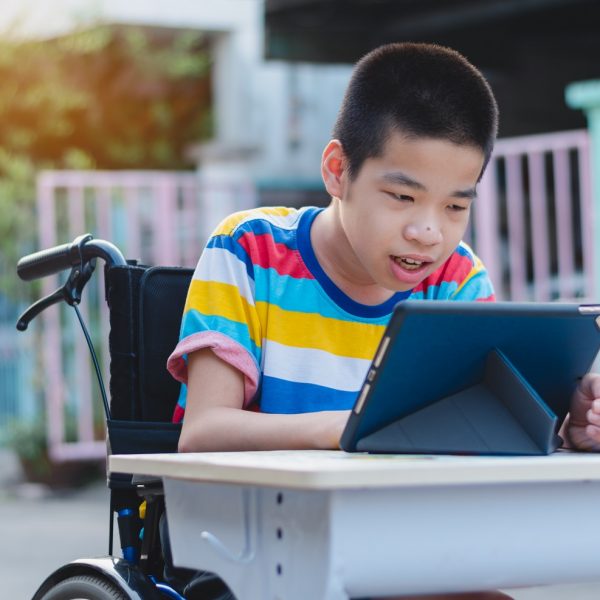
We don’t spend a lot of time talking about Augmentative and Alternative Communication (AAC) apps, and that’s for a couple reasons. First, AAC apps and hardware are typically recommended by speech-language pathologists. The other reason is that these devices are also highly specialized, and quite expensive, so it’s not always easy to get our hands on the latest and greatest AAC hardware.
Today however, we’re going to look at an AAC app that costs a fraction of the price of a typical piece of AAC hardware, while still providing users with what they need to effectively communicate with the outside world. Proloquo2Go is a symbol-based AAC app for iPad that is designed for persons with speech difficulties, autism, cerebral palsy, and other fine-motor based disabilities, as well as a wide variety of communication-based challenges.
We Have Solutions! – Episode 9: Exploring FASD with Alicia Munn

On episode 9, we are joined by FASD advocate Alicia Munn. Alicia is an LPN, a mother, and the operations Manager/Coordinator for the Fredericton Fetal Alcohol Syndrome Disabilities Support Group.
In this information-packed episode, we learn all about FASD and the struggles that these individuals and their families face. Then, we explore some real-life scenarios and make specific AT recommendations! So if you’ve been wondering about to apps to recommend to persons with FASD, you won’t want to miss this one!
National Day for Truth and Reconciliation
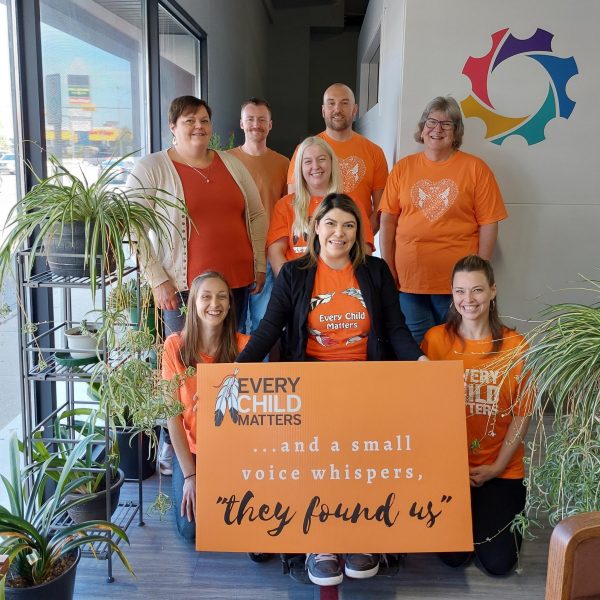
Today we observe the second annual National Day for Truth and Reconciliation.
On September 30th of each year, we honour the Survivors of residential schools and remember the children who did not return, as well as their families and communities. We take this day as a day of reflection to recognize and commemorate the harmful legacy of the residential school system in Canada.
NVDA Screen Reader
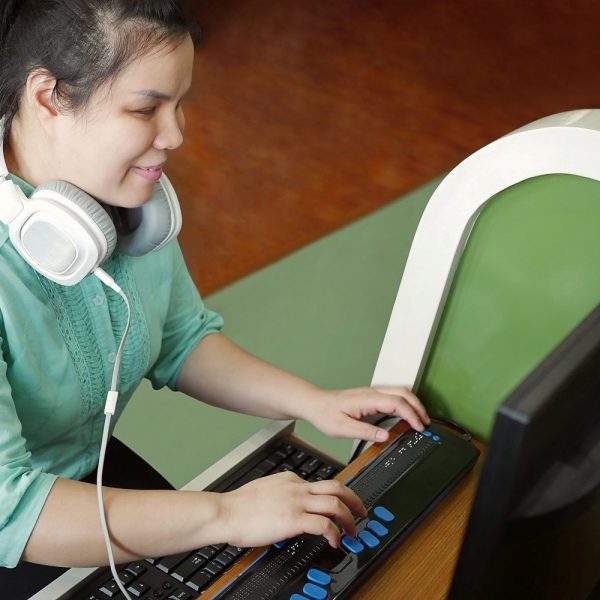
For persons with visual disabilities, accessing the outside world often requires accommodations, strategies, and technology. And while strategies and accommodations can be relatively easily put in place, lack of access to vision-correcting technology is still an issue for many individuals. The reason for this is simple: cost. For example, there are wearable devices for blind users that provide real time color and product information, face recognition, and more. This device, called the OrCam MyEye is an incredible piece of technology, but with a price tag of around $5,000, this technology is not affordable for everyone. So then that begs the question, what’s out there that is actually affordable for persons with visual disabilities?
NonVisual Desktop Access (NVDA) is a free, open-source screen reader for Windows that has been in development since 2006. If you are not aware, a screen reader is a piece of technology that helps individuals with visual impairments access and interact with digital content like websites or applications via audio or touch prompts. Users control what is read by moving the cursor to the relevant area of text with a mouse or by using the arrows on a keyboard.
Troy’s New Technology Skills Help Him Spread the Joy of Cooking
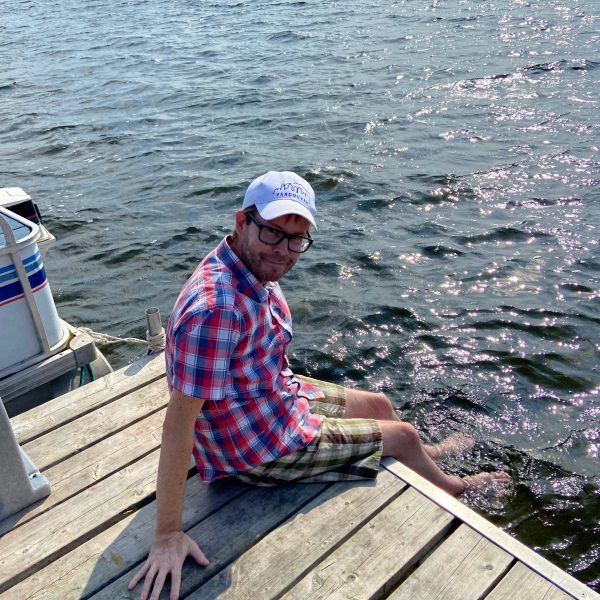
With over 20 years of experience, Troy’s career as a chef saw him traveling the world and operating a successful catering business in Vancouver and later Ottawa, where he now lives. And there were some nice perks.
“I worked quite a bit, and I loved it,” he says. “There were so many times, where it was like, ‘Hey Troy, come up to the cottage for the weekend and you can do all the cooking,’ and I’m like, ‘Sure, why not?’ Vacation and get paid, all right.”
However, about four years ago he began having seizures, losing his balance, and eventually becoming unable to walk. After a long process, he was diagnosed with ataxia, a rare neurological degenerative disorder which affects the body’s motor skills, causing difficulty in speech and movement.
We Have Solutions! – Episode 8: Back to School with Nakia Singh
On episode 8, we are joined once again by AT researcher and life-long assistive technology user Nakia Singh. In this episode, we talk about some of our favorite back to school apps, making friends with AI, apps for math, and Seaver’s recent experiences in joining the partially sighted community.
Listen on Apple Podcasts, Anchor, Spotify, or Google Podcasts.
Montessori Numbers
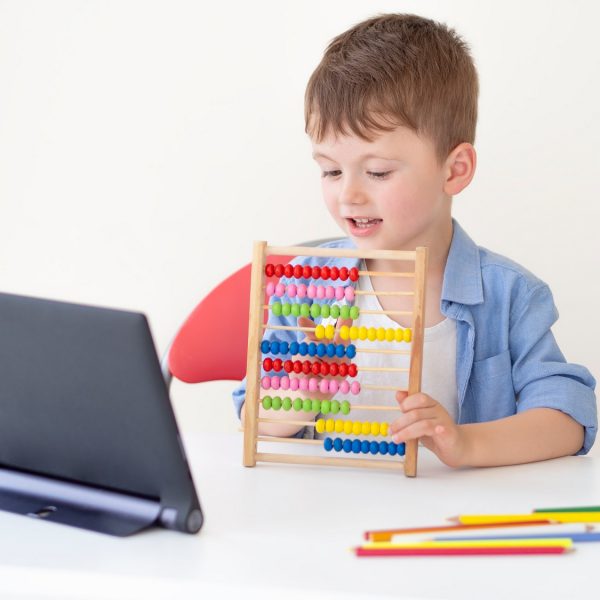
We’ve looked at a couple math calculator and equation breakdown apps in the past, but today we are going to look at a math app that instead focuses on building mathematical foundations. Montessori Numbers is a visual math app designed for children aged 3-7, and it offers a wide range of guided math activities that are designed to conform to common core standards.
Speechify Text to Speech

Text-to-speech apps allow users to quickly absorb articles, documents, emails, and virtually anything else found online. Of course, students and professionals aren’t the only ones who benefit from text-to-speech applications. Persons with disabilities including those with dyslexia, dysgraphia, visual impairments, and more, can all benefit from this alternative approach to reading.
GeoGebra Calculator Suite
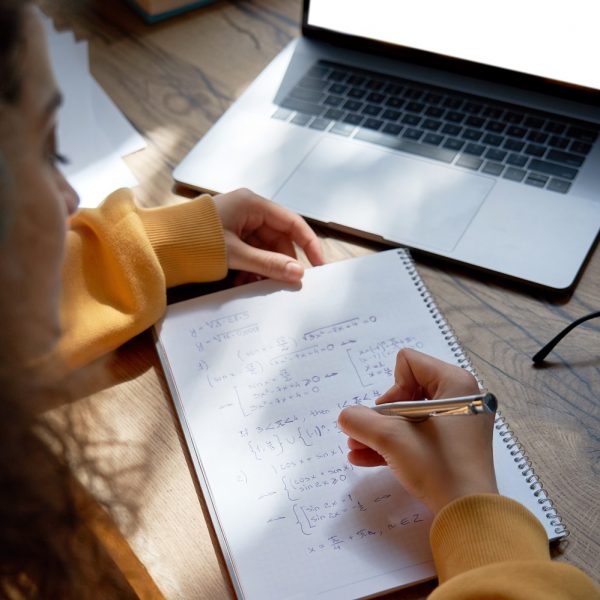
Imagine you’re a highly visual learner, and your math instructor’s teaching style isn’t working for you. You’ve gone for extra help, but you just can’t wrap your brain around these new concepts. Many of us have been there, but the good news is there are now plenty of apps available that are designed to provide alternative means of instruction.
Free Digital Literacy Tools Available Online
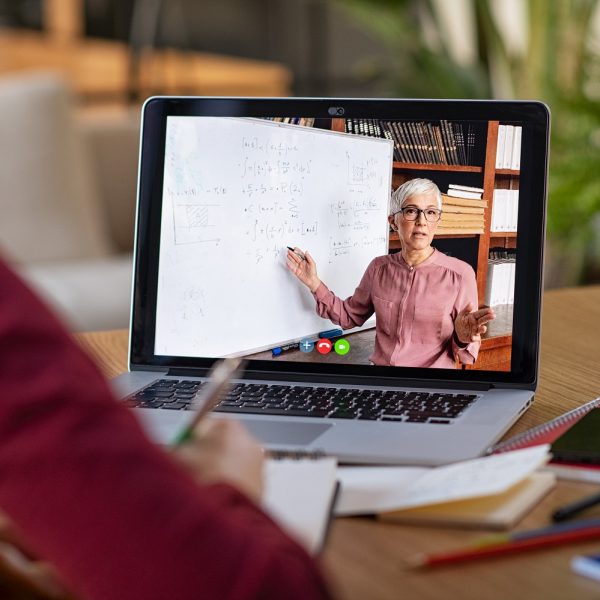
In 2022, if you want to stay informed and connected to the outside world, being digitally literate is essential. This is especially true for those who are still participating in the work force, as most job opportunities, work environments, and means of companywide communication is online. And while Neil Squire offers free digital literacy training for persons with disabilities, there are also other free options available right now that shouldn’t be ignored. These resources are well-crafted, searchable, and have been used by millions of users.