“We Have Solutions!” Episode 5: Pivoting for the Pandemic with Tracy Ryan

On this episode, we are joined by our K-12 Coordinator for Assistive Technology Programs and Services, Tracy Ryan. Tracy brings with her decades of experience in the disabilities community, and almost 5 years serving as our K-12 coordinator here in New Brunswick.
We talk about what it was like to provide services and training to schools during the COVID-19 pandemic, and the challenges, successes, and lessons that went with it.
“We Have Solutions!” Episode 4 Featuring Nakia Singh
Episode 4 of our AT Help Desk‘s podcast, “We Have Solutions!” has been released.
On this episode, we are joined by co-host Nakia Singh. Nakia brings with him decades of personal experience with assistive technology, computing, and much more. In this episode, we touch on home automation, transportation for the visually impaired, and PC vs Mac vs Linux.
You can listen on Anchor, Spotify, or Google Podcasts.
Built-in Accessibility Features for Students

Student life can be challenging for anyone, and for persons with disabilities, this is especially true. Of course, there are plenty of tools and apps available to help overcome barriers surrounding disability and education, and we’ve explored many of those solutions in past e-bulletins. Unfortunately, some of these solutions require extensive training, funding/purchasing of equipment, etc., which can sometimes present a whole new set of barriers to the student. Today, we are going to look at some cutting-edge accessibility features that come built-in to mainstream technology. These features are free, they already exist on the device in question, and they are typically fairly easy to activate and operate. Let’s take a look!
Windows 11 Accessibility
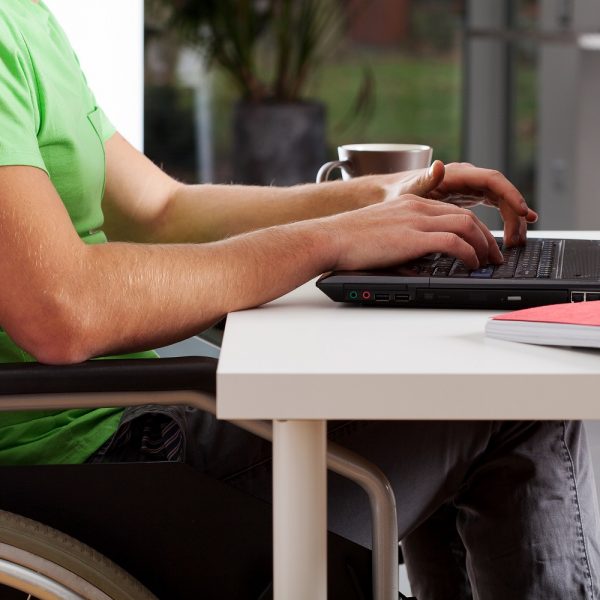
Over the past several years, Microsoft has been gaining ground in the battle for most accessible computing systems. During that time, Windows has made vast improvements in its out-of-box accessibility. And now with a new Windows OS on the horizon, it’s evident that Microsoft has embraced the concepts of universal design and accessibility in a big way.
Windows 11 seeks to pack in even more accessibility features than the already impressive Windows 10. In today’s e-bulletin, we’re going to dive into those features a bit, but keep in mind, some of the features that we’re looking at today might change or be updated as OS continues to evolve.
Philippe Increases His Independence With Technology
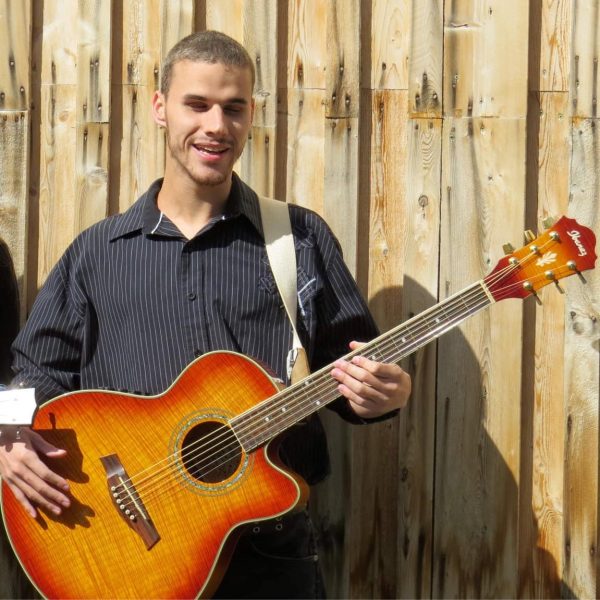
Watching Philippe sing his songs, you’ll notice he can be a bit of a one man band — he’ll sing, he’ll play the guitar, he’ll do the percussion all at once, sometimes he’ll even throw in a harmonizer effect to create harmonies by himself.
Born blind in Clair, New Brunswick, Philippe started his musical journey at five years old, and he can play almost any instrument you can name. He learns songs by ear and adds his own flavour to them, and is a prolific songwriter himself.
Accessible Switch Research Study
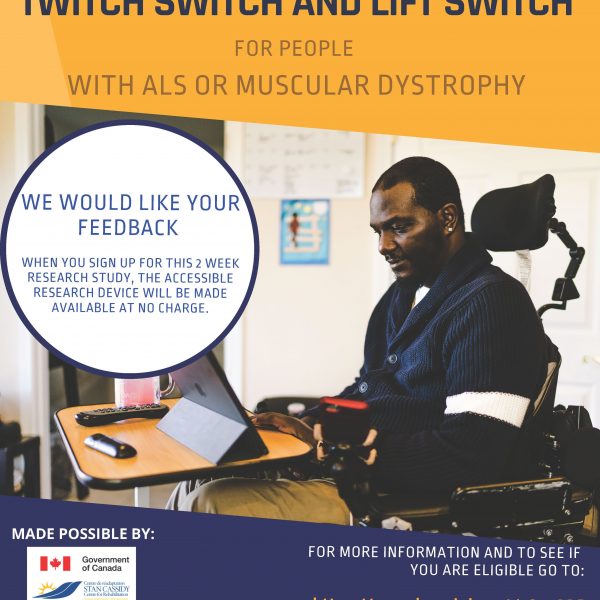
Our friends at the Stan Cassidy Centre for Rehabilitation are recruiting Canadian subjects to test two new assistive switch designs. If you have ALS or Muscular Dystrophy and would be interested in participating, see below. Even if you are ineligible to take part in the research, there is an opportunity to help improve the designs, which will be released on the Makers Making Change library when the study concludes.
Grammaropolis: Grammar Made Fun
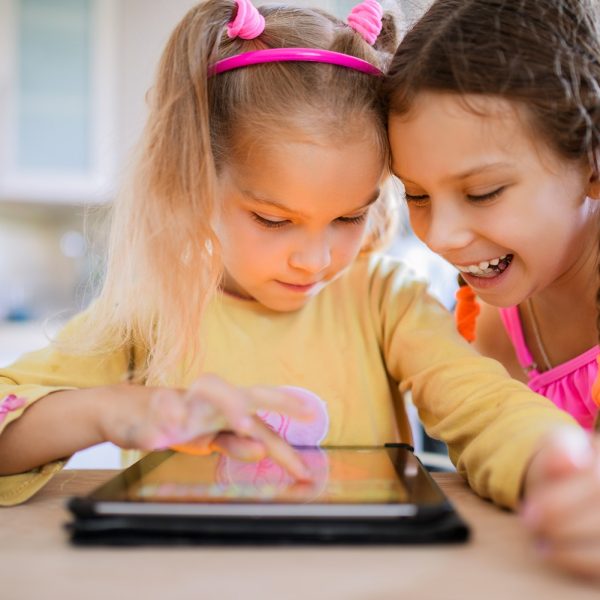
With so much conversation being shifted to the digital realm these days, grammar apps have become increasingly popular. Most of these apps correct user’s grammar mistakes in real time rather than teach the fundamentals of grammar, as those apps are typically designed for users who are already familiar with basic grammar but might need a little extra reminder from time to time.
How to: Scan from Microsoft Lens to OneNote (iOS)
Do you use Microsoft Lens? Today we’ll explain how you can scan from your Microsoft Lens to OneNote on your iOS device.
MLA Brenda Bailey Visits Neil Squire
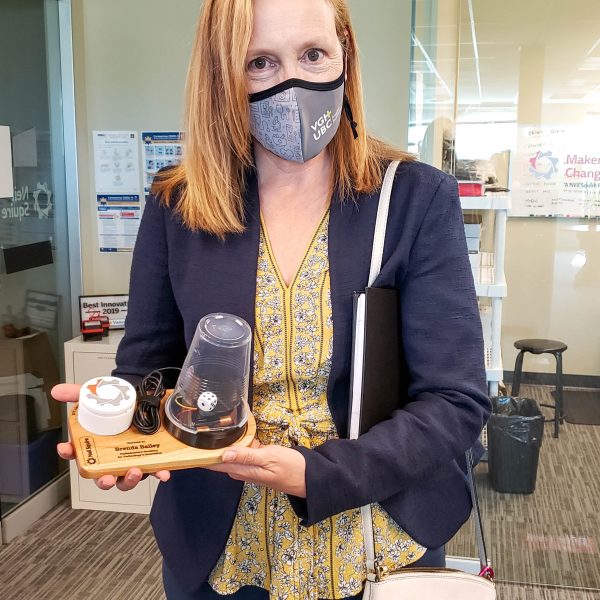
We were thrilled to welcome MLA, Brenda Bailey, Parliamentary Secretary for Technology and Innovation, to our head office yesterday in Burnaby. Ms. Bailey received a hearing evaluation in our fully accessible Hearing Solutions lab, demoed some assistive technology in our Solutions lab, and visited our Makers Making Change lab to learn about affordable open source assistive technologies.
Kahoot – Gamified Studying
In the last couple decades, educators have learned a lot about effective study techniques. And while there isn’t a one-size-fits-all option that works for everyone, it’s become apparent that keeping students engaged in the material is of the upmost importance in ensuring students actually retain what they learn. This is especially true in 2021 where most of us are hyper-connected to our smartphones and social media and all the distractions that come with it. Not to mention during the current covid-19 pandemic, not every student is getting sufficient access to teachers, aides, tutors, or even their peers.