Kurzweil 3000

Most of the AT that we cover is fairly specific in its functionality, but today we are going to look at an app that functions more like an assistive technology suite, providing multiple functions and features designed for multiple learning challenges.
Kurzweil 3000 is a literacy tool that is designed to assist with reading, writing, comprehension, and test-taking, and it does so within one unified app. The software is expensive, especially when compared to the cost of an iPad which has most of Kurzweil’s features already built-in for free, but if you struggle in ALL of the areas listed above, it could be worth considering, especially if you are used to a Windows-based learning environment.
Notability

We’ve covered lots of other notetaking and annotation apps in the past, but we’ve somehow neglected to cover one of the most powerful note-taking tools for iOS. Notability is a multi-media note-taking app that does everything you’d expect and more. The app would be a great choice for many persons with learning disabilities as it provides multiple means of recording and representation, plus it pairs well with Apple’s built-in accessibility features for iOS.
Adobe Scan
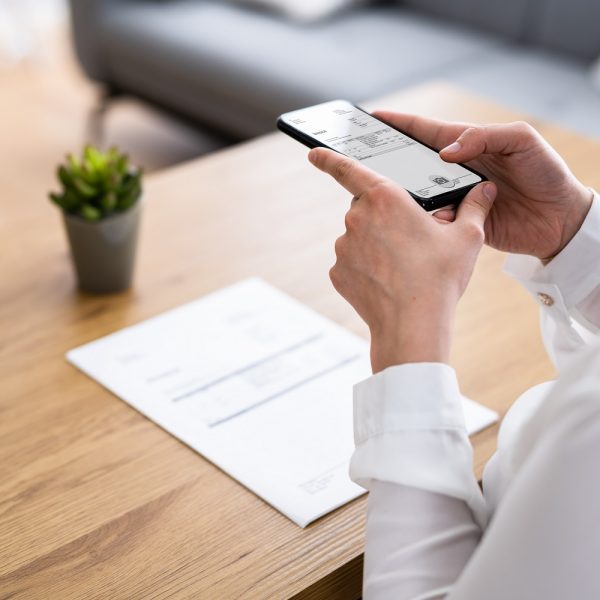
Optical Character Recognition (OCR) and scanning apps are great for capturing and digitizing physical text such as documents, whiteboards, textbooks, and more. We’ve already mentioned Office Lens, PrizmoGo, and other OCR apps in previous e-bulletins, but when it comes to OCR apps (and AT in general) it’s always good to have multiple options at hand in case one app works better than the other.
Today we’re going to look at Adobe’s free OCR app, Adobe Scan. To use Adobe Scan, you simply open the app, select the type of text you would like to capture, and hit the camera button. Supported text formats include whiteboard, book, document, ID card, and business card.
ClaroSpeak Plus

When it comes to PC-based writing and reading tools, there’s no shortage of choices, and we’ve covered plenty of those apps in past e-bulletins. But what about when you need a more mobile solution, perhaps something that works with Android tablets or iPads? Today, we’re going to look at a premium text-to-speech app that has a range of useful features for reading and writing on the go.
ClaroSpeak Plus is a premium reading and writing app with Optical Character Recognition (OCR) capabilities, which means that this app can turn a piece of paper or page from a textbook into digitized text which can then be read aloud. This is especially helpful for students with unique learning challenges, but there’s no one who WOULDN’T benefit from having this kind of technology in the classroom, on the job, or even at home.
Read&Write Literacy Tool
We’ve said many times before that the Apple iPad is one of our favorite platforms due to its many built-in accessibility features. But what if those built-in features aren’t quite enough? What if you need a bit more of your iPad but you still want to use the apps that you are most familiar with?
Enter Read&Write, a literacy app that functions as a keyboard replacement/enhancer. The app is designed to support reading, writing, comprehension, and vocabulary development, and it does so within the apps that you’re already used to using, from documents and presentations to email and browsers. The app is helpful to a wide range of individuals including persons with learning disabilities such as dyslexia or dysgraphia, persons with mobility challenges, and ESL students.
ZoomText
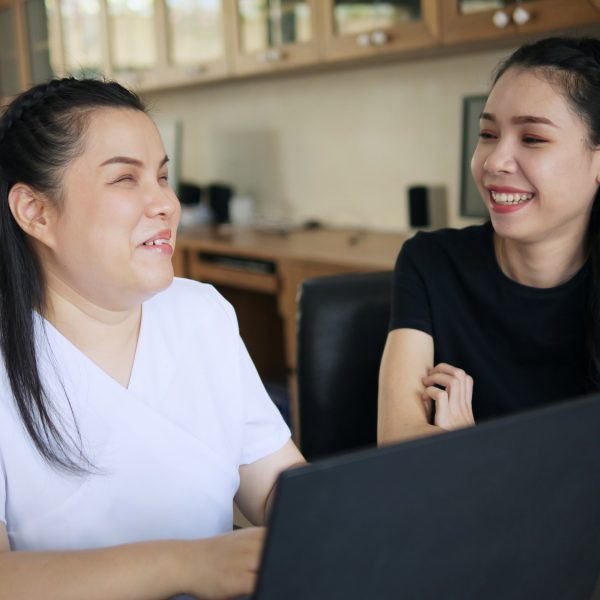
For those who aren’t aware, screen readers are apps that allow blind or visually impaired users to read the text that is displayed on the computer screen via speech or braille display. A few weeks ago, we learned about the NVDA screen reader, and we found it to be a great free tool that gets the job done at an unbeatable price. Today however, we’re going to look at a premium-priced screen reader that comes with a much bigger price tag, but also offers a much wider variety of functionality and features.
Proloquo2Go

We don’t spend a lot of time talking about Augmentative and Alternative Communication (AAC) apps, and that’s for a couple reasons. First, AAC apps and hardware are typically recommended by speech-language pathologists. The other reason is that these devices are also highly specialized, and quite expensive, so it’s not always easy to get our hands on the latest and greatest AAC hardware.
Today however, we’re going to look at an AAC app that costs a fraction of the price of a typical piece of AAC hardware, while still providing users with what they need to effectively communicate with the outside world. Proloquo2Go is a symbol-based AAC app for iPad that is designed for persons with speech difficulties, autism, cerebral palsy, and other fine-motor based disabilities, as well as a wide variety of communication-based challenges.
NVDA Screen Reader
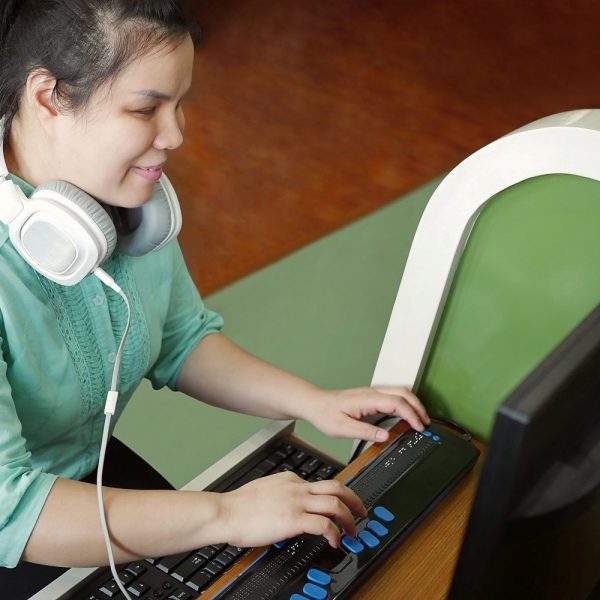
For persons with visual disabilities, accessing the outside world often requires accommodations, strategies, and technology. And while strategies and accommodations can be relatively easily put in place, lack of access to vision-correcting technology is still an issue for many individuals. The reason for this is simple: cost. For example, there are wearable devices for blind users that provide real time color and product information, face recognition, and more. This device, called the OrCam MyEye is an incredible piece of technology, but with a price tag of around $5,000, this technology is not affordable for everyone. So then that begs the question, what’s out there that is actually affordable for persons with visual disabilities?
NonVisual Desktop Access (NVDA) is a free, open-source screen reader for Windows that has been in development since 2006. If you are not aware, a screen reader is a piece of technology that helps individuals with visual impairments access and interact with digital content like websites or applications via audio or touch prompts. Users control what is read by moving the cursor to the relevant area of text with a mouse or by using the arrows on a keyboard.
Troy’s New Technology Skills Help Him Spread the Joy of Cooking

With over 20 years of experience, Troy’s career as a chef saw him traveling the world and operating a successful catering business in Vancouver and later Ottawa, where he now lives. And there were some nice perks.
“I worked quite a bit, and I loved it,” he says. “There were so many times, where it was like, ‘Hey Troy, come up to the cottage for the weekend and you can do all the cooking,’ and I’m like, ‘Sure, why not?’ Vacation and get paid, all right.”
However, about four years ago he began having seizures, losing his balance, and eventually becoming unable to walk. After a long process, he was diagnosed with ataxia, a rare neurological degenerative disorder which affects the body’s motor skills, causing difficulty in speech and movement.
We Have Solutions! – Episode 8: Back to School with Nakia Singh

On episode 8, we are joined once again by AT researcher and life-long assistive technology user Nakia Singh. In this episode, we talk about some of our favorite back to school apps, making friends with AI, apps for math, and Seaver’s recent experiences in joining the partially sighted community.
Listen on Apple Podcasts, Anchor, Spotify, or Google Podcasts.